
Restaurant Solution
Hear from restaurant guests before they leave, not on Yelp two weeks later
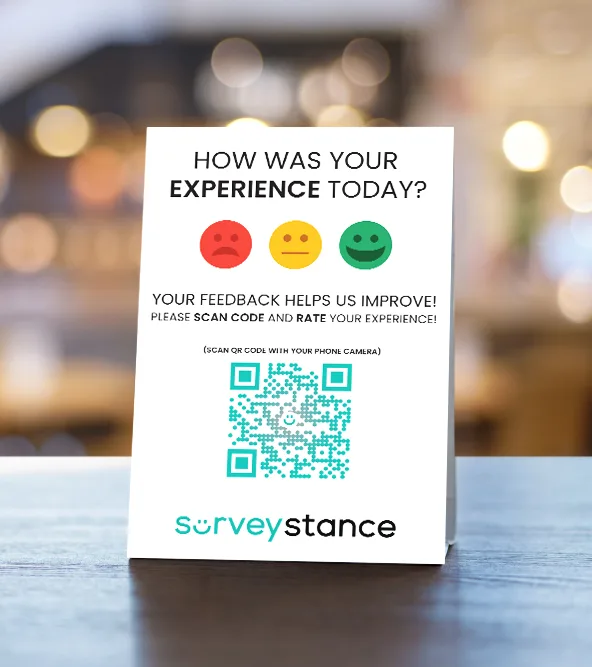
Most unhappy guests never say a word. They just don't come back. SurveyStance restaurant customer feedback surveys put a one-tap question at the pickup counter, on the table, or in the check presenter, so you hear about a slow lunch rush the same afternoon.
Kiosk or QR code?
Start with how your guests leave
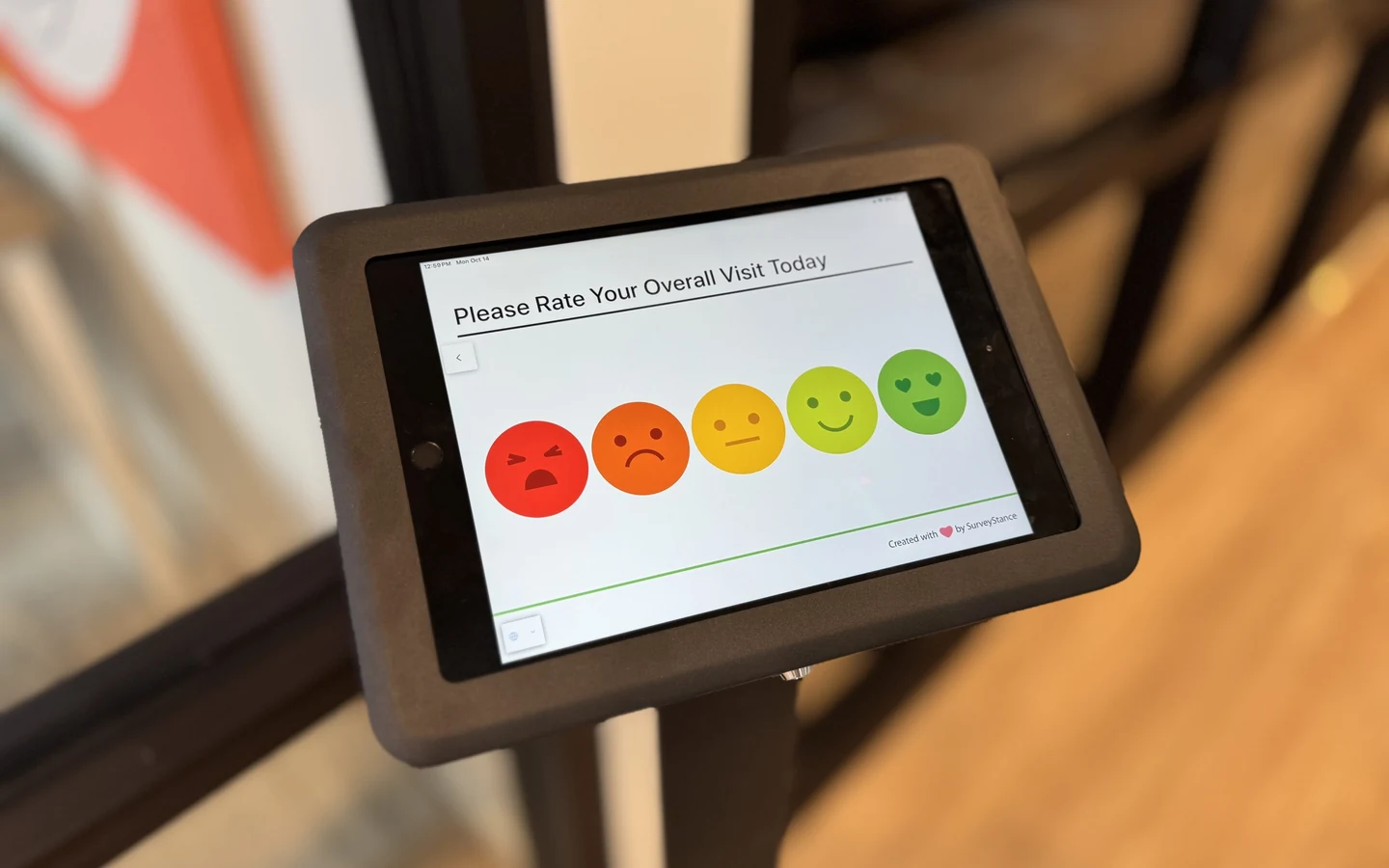
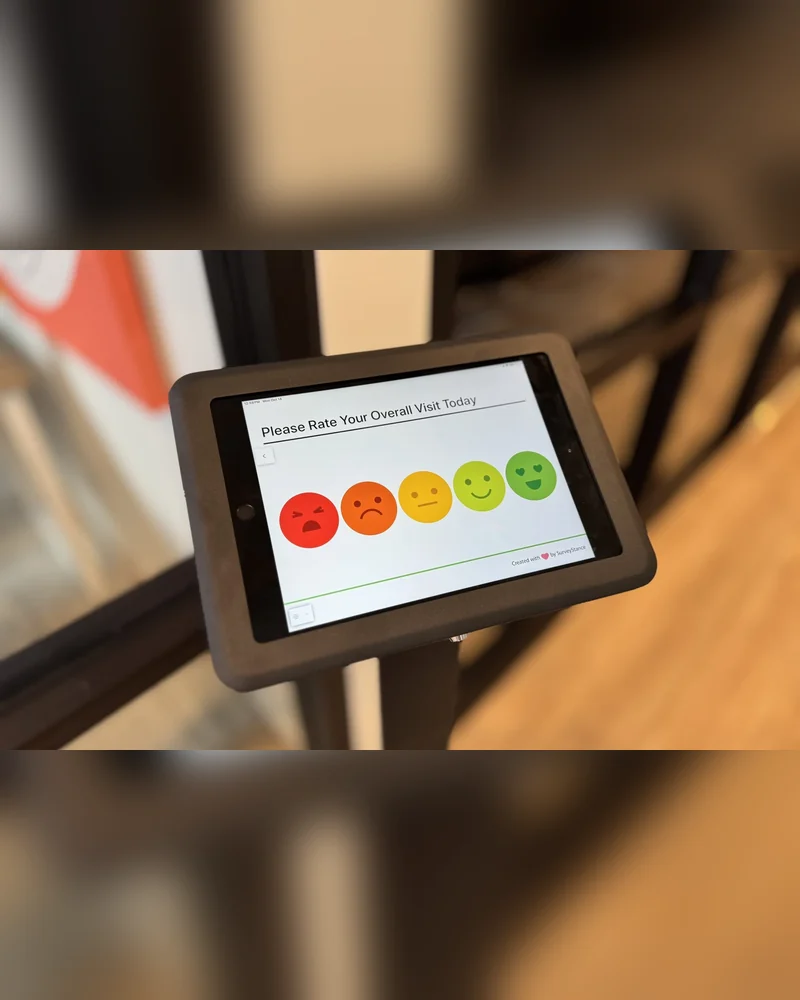
Feedback kiosk
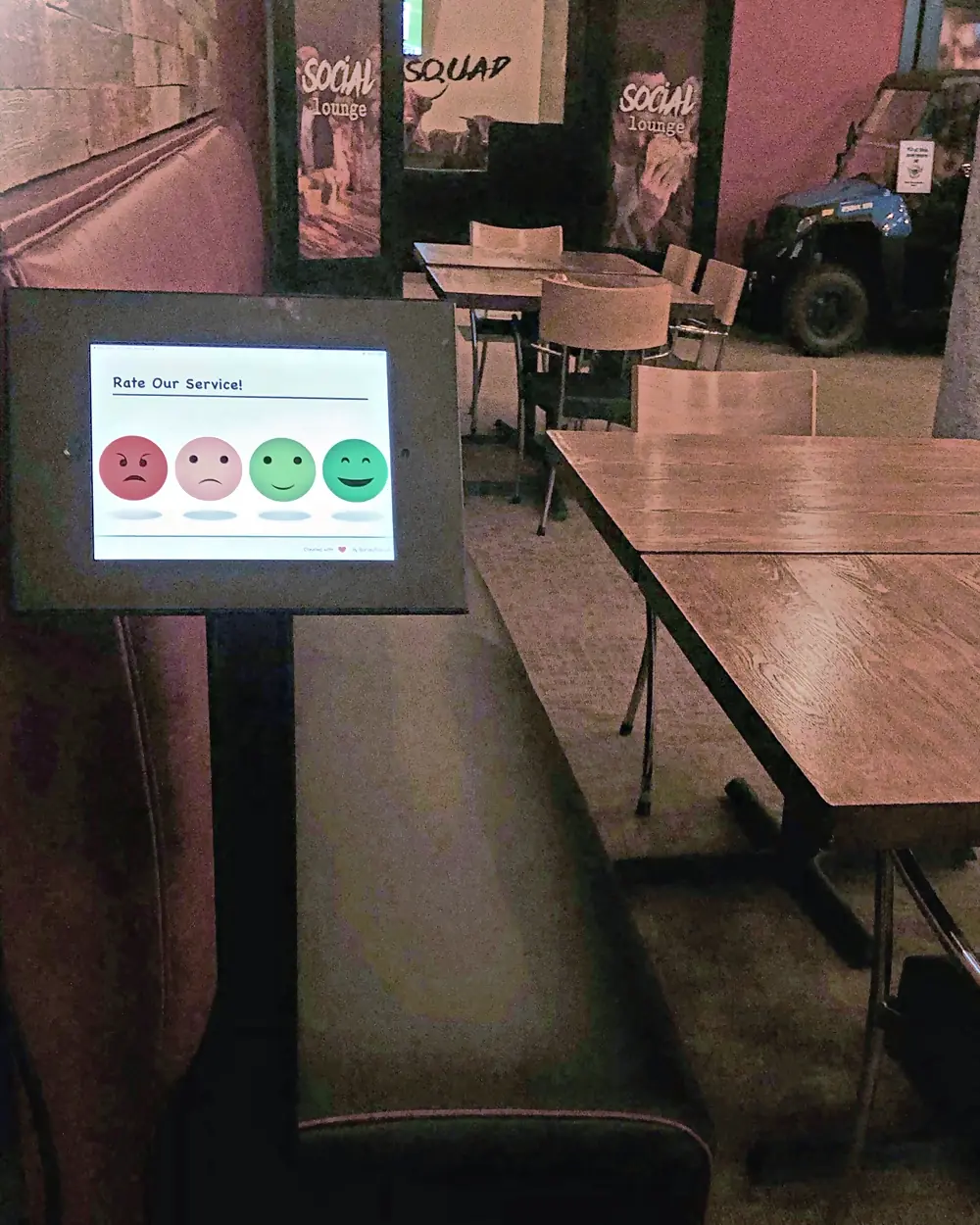
QSR, fast casual, coffee and takeout. Guests are standing up and walking past a counter anyway. One tap on an iPad is less effort than pulling out a phone.
- Place it at pickup, the register, or the exit
- No phone to unlock, so more guests answer
- iPad and stand included, or use your own iPad
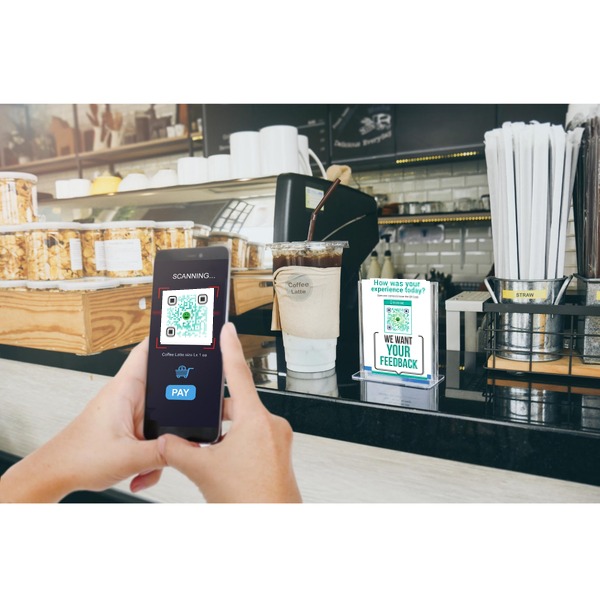
QR code survey
Casual dining, cafes and bars. Guests are seated, they have their phone out, and the best moment to ask is when the check arrives.
- Table tents, stickers, and the check presenter
- No hardware to buy or keep charged
- Works for takeout bags and receipts too
The problem
Why comment cards and receipt surveys go quiet
A receipt survey asks a guest to keep the receipt, go home, find a URL, and type in a long code. Almost nobody does. The few who do are usually furious or delighted, which tells you very little about an ordinary Tuesday. Comment cards have the same problem plus a pen. And online reviews show up days later with no clue which shift, which location, or which dish went wrong. By then the guest has already decided whether to come back.
- Ask while the guest is still in the building, not after they get home.
- Make the first answer one tap, so the middle of your customer base answers too.
- Tie every response to a location and a time, so you can find the shift that caused it.
QSR and fast casual
Counter service: catch them at pickup
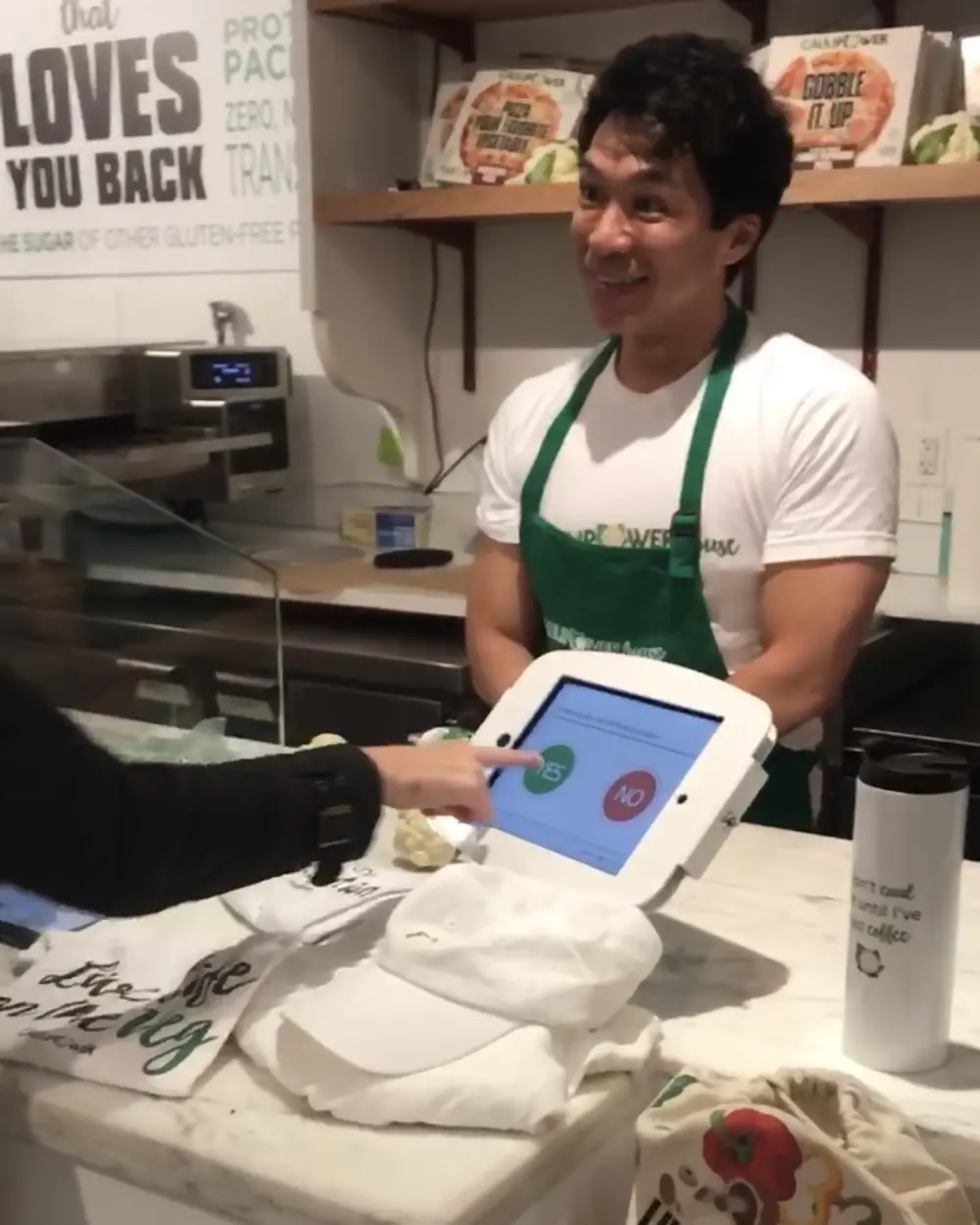
Fast casual has a specific problem. Guests come and go without leaving a name or an email, so there is nobody to send a survey to afterwards. The fix is to ask before they leave, with a feedback kiosk. We see the best response rates when the kiosk sits at the food pickup counter, next to the register, or on the path to the exit. Near the soda fountain or the trash cans works too, since everyone passes them. A counter stand fits next to most registers. Keep the kiosk to one or two questions. QSR guests are in a hurry, and a long survey only attracts the extremes.
Casual dining and cafes
Table service: put it on the table and in the check
Sit-down guests expect more, and they are more likely to write a review, good or bad. A QR code survey on each table works. A QR code inside the check presenter works better, because that is the moment the meal is over and the guest is waiting anyway. If you run a quieter, full-service room, we would skip the kiosk by the door. It can feel out of place there. A floor stand at the end of a booth or near the host stand suits a busier casual dining room.
Survey length
Two questions beat ten
Every extra question costs you answers. Across SurveyStance kiosk surveys, two-question surveys averaged a 74% completion rate. Three questions dropped to 66%, and four to 58%. (More in our customer satisfaction statistics.) For a restaurant, that usually means one overall rating and one follow-up that changes with the answer. A guest who taps the unhappy face gets asked what went wrong: food, speed, cleanliness, or staff. A guest who taps the happy face can leave a comment or their email and go. Not sure your wording is neutral? Run it through the free survey question checker first.
After the tap
What the manager on shift actually sees
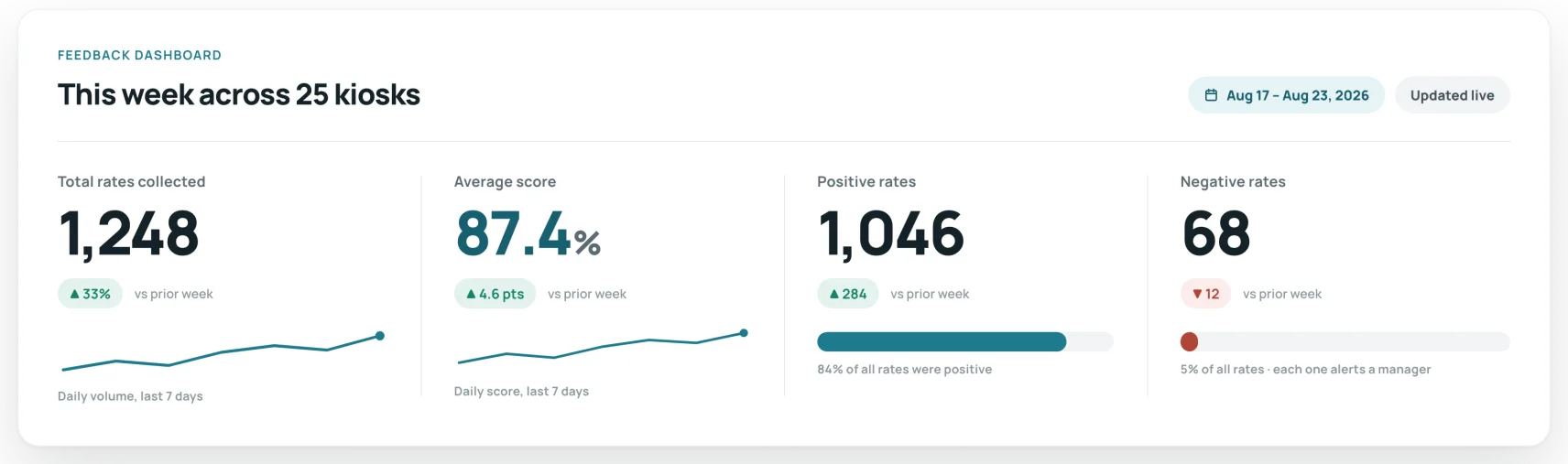
A low score is only useful if someone sees it while the guest might still be at the table. SurveyStance can send an alert the moment a response matches a rule you set, such as any unhappy face or a run of low scores. Every response is timestamped, so a slow Friday dinner rush shows up as a pattern and not an anecdote. Multi-unit and franchise operators see every location side by side, and weekly or monthly summary reports can go straight to each general manager's inbox. With our Zapier integration, low scores can also post to the shift's Slack channel, and each GM can get yesterday's ratings as an Excel file at 8am. You can export everything to Excel or PDF, and see a sample on the reports and dashboards page.
- Alerts when a response matches the rule you choose.
- Ratings broken out by location and device, with a timestamp on every response.
- Weekly and monthly summary reports, plus Excel and PDF exports.
Where to ask, by restaurant type
Kiosk, QR code, receipt survey or comment card?
We sell kiosks and QR codes, so weigh that. Receipt surveys still win one row below, and we left it in.
| Criterion | Kiosk | QR code | Receipt survey | Comment card |
|---|---|---|---|---|
| Responses at a counter | Strong: Highest | Workable: Good | Weak: Low | Weak: Low |
| Seated, table-service guests | Workable: Near the exit | Strong: Best fit | Workable: After they leave | Workable: If they find a pen |
| Knowing which shift it was | Strong: Timestamped | Strong: Timestamped | Workable: Visit date | Weak: Rarely |
| Alert the manager on shift | Strong: Instant | Strong: Instant | Weak: Days later | Weak: No |
| Effort to start | Workable: Needs power and Wi-Fi | Strong: Print and go | Weak: POS setup | Strong: Print and go |
| Collecting guest contact details | Workable: Optional field | Workable: Optional field | Strong: Best | Workable: If legible |
Set up in about 10 minutes
Write two questions
One overall rating, one follow-up. Run them through the free survey question checker if you want a second opinion.
Pick the spot
Pickup counter, register, exit, table, or check presenter. Wherever guests pause before they leave.
Set an alert
Choose who hears about an unhappy face, and how fast. Usually the manager on shift.
Review it weekly
Look at ratings by location and time of day. Fix the pattern, then watch the next week's numbers.
Restaurant customer satisfaction survey questions
- Overall: How was your visit today?
- Food: How was your food today?
- Service: How was our service today?
- Staff: How friendly was our team?
- Speed: How was the wait for your order?
- Seating: How was the wait to be seated?
- Cleanliness: How clean was the dining room?
- Accuracy: Was your order right?
- Loyalty (NPS): How likely are you to recommend us to a friend?
- Follow-up: What is one thing we could do better?
Frequently asked questions
How much does a restaurant feedback kiosk cost?
The Feedback Kiosk plan is $69/mo per kiosk and includes the iPad, the stand, and unlimited surveys and responses. If you already own an iPad, the software-only plan is $39/mo. QR code surveys start at $39/mo. Plans are month to month. See pricing for the details.
Can we use our own iPad?
Yes. Install the SurveyStance app on an iPad you already own and use the software-only plan. We also sell counter stands, floor stands, and wall mounts if you need one.
Are restaurant survey responses anonymous?
By default, yes. Guests just tap a face. If you want to follow up with someone who had a bad visit, you can add an optional contact field after the rating.
Can this help us get more Google or Yelp reviews?
Yes. The page a guest sees after answering can include a link to your Google, Yelp, or TripAdvisor listing. Google's review policy does not allow you to ask only happy customers for reviews, so check how your review prompt is set up before you turn it on.
Does it work for takeout, delivery, and drive-thru?
Use a QR code for those. Print it on the bag, the receipt, or a sticker on the lid, and point it at a question like "Was your order right?" Responses land in the same dashboard as your dine-in feedback.
Does SurveyStance require a long-term contract?
No. SurveyStance offers month-to-month pricing, with software-only and full kiosk hardware package options.
Can SurveyStance support multiple locations?
Yes. SurveyStance supports multi-location feedback programs with centralized survey updates, dashboards, alerts, reports, exports, and user access controls.
What happens after someone taps an emoji?
The first tap captures the sentiment. Teams can route respondents to follow-up questions, comments, review prompts, or conditional questions based on the response.