
Feedback Kiosk Hardware
A kiosk that
stands on its own.
Two stands, both built around the same keyed locking enclosure. The difference is where it lives: freestanding on the floor, or on a counter or wall. Most customers choose the floor stand.
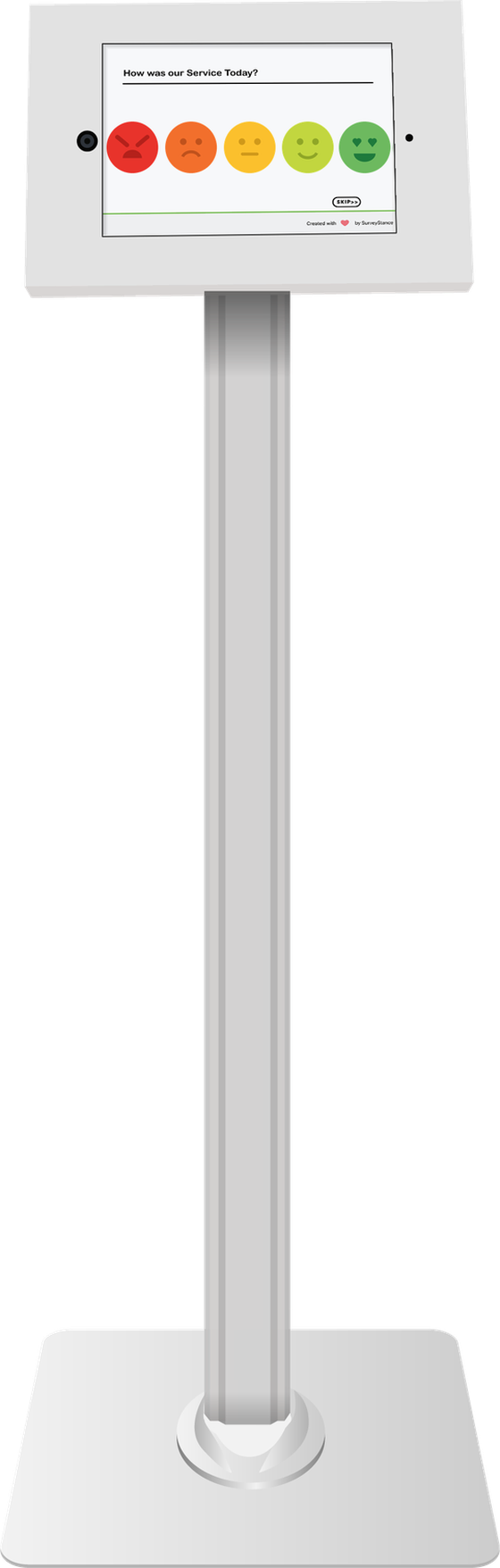
The one most people choose
Floor stand
A keyed, tamper-resistant enclosure on a weighted floor base. Set it down, plug it in, and it is collecting feedback in minutes — no wall, no counter, no installation. White is the finish most customers pick; black is the same stand.
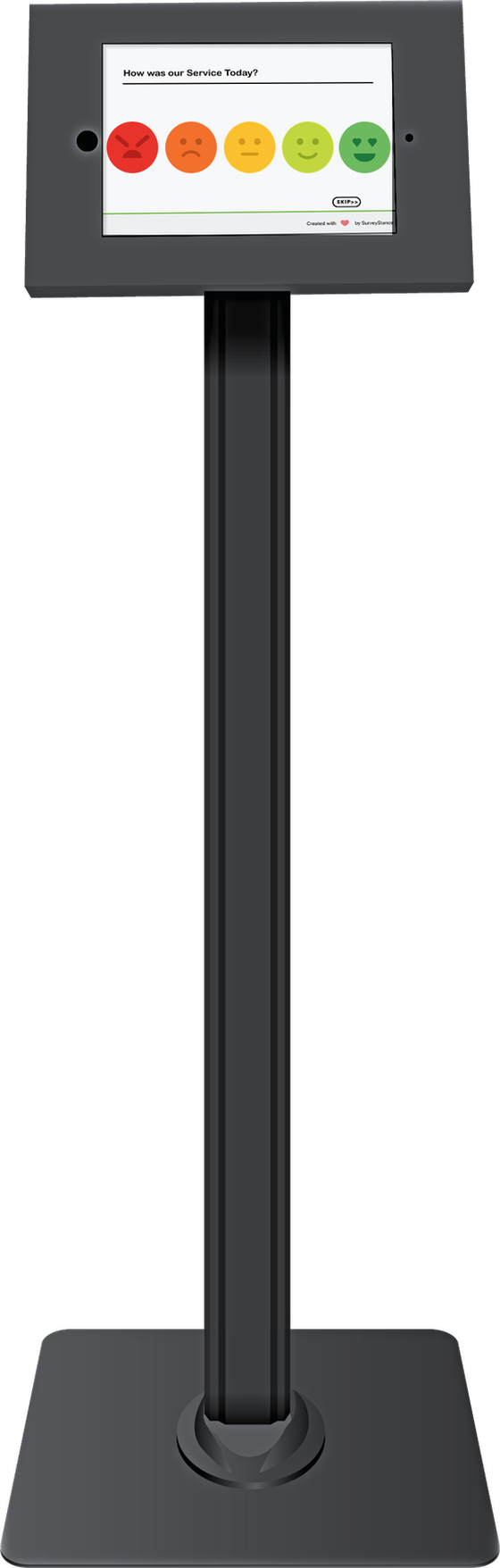
- Locking enclosure
- Keyed housing. The iPad stays put.
- Single App Mode
- Locked to the SurveyStance app.
- Charging cable inside
- Power runs inside the pole, nothing across the floor.
- Weighted floor base
- Stays steady under repeated taps.
Putting one together? Floor stand assembly in eight steps — about 10 minutes, no tools needed.
If a floor stand won’t fit
Counter & wall stand
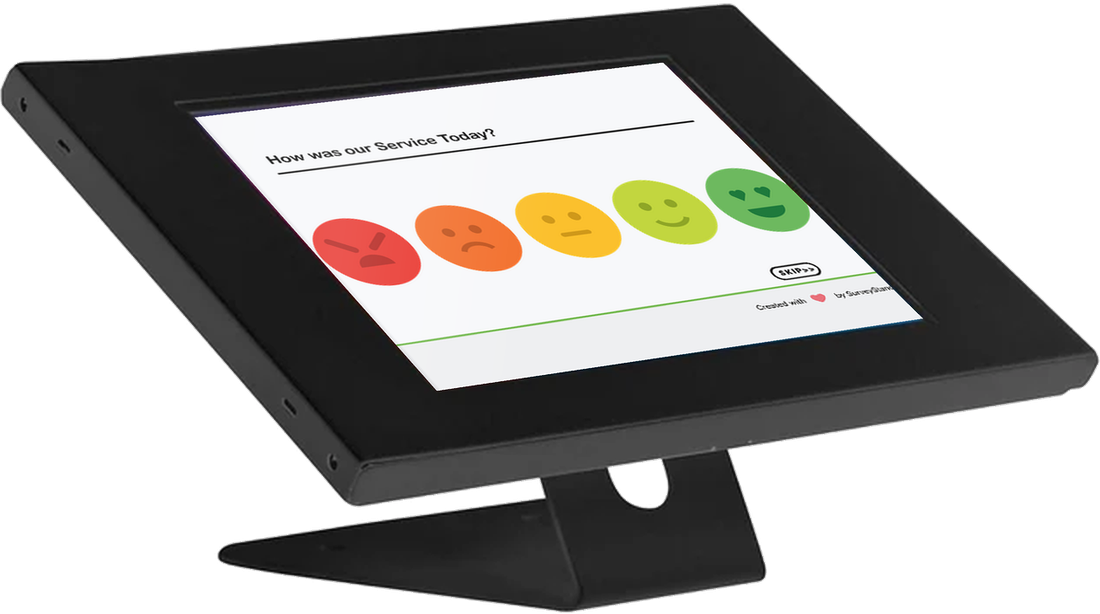
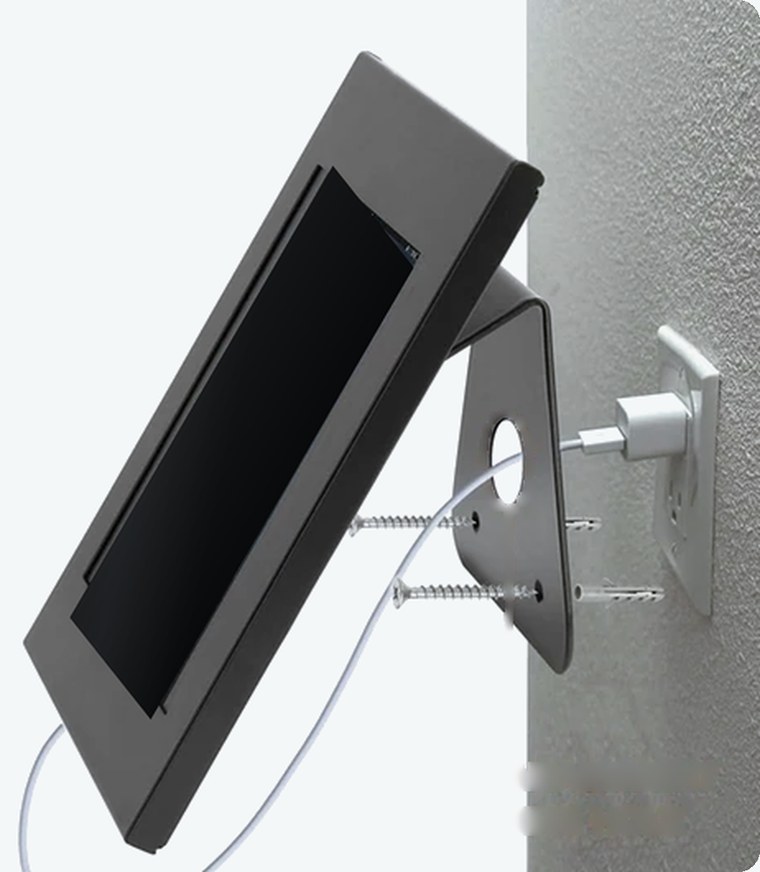
The same keyed locking enclosure on a compact folded base. One unit, two ways to mount it — stand it on a counter, or turn it over and fix it to a wall. Black only.
- Locking enclosure
- The same keyed housing as the floor stand.
- Single App Mode
- Locked to the SurveyStance app.
- Counter or wall
- One unit does both. Wall mounting hardware is included.
- Cable management
- A 1.5″ pass-through in the base keeps the charging cable tidy.
Counter stand specifications
| Enclosure | 13.39″ × 9″ |
|---|---|
| Base footprint | 6.5″ × 3.5″ |
| Mounting | Counter or wall |
| Wall hardware | Included |
| Cable pass-through | 1.5″ diameter |
| Finish | Black |
Power and charging
The charging cable is routed inside the stand, so the iPad stays powered where it sits rather than being taken away to charge. On the floor stand the cable runs up through the pole and exits at the base; on the counter stand it passes through a 1.5″ hole in the base plate. Either way nothing crosses the floor.
What ships with the stand
The stand
Floor, or counter and wall.
A secured iPad
Locked into the enclosure with a key.
Integrated charging cable
Routed through the stand.
Mounting hardware
Wall screws and anchors with the counter stand.
Not sure which one fits?
Tell us about the space — entrance, counter, corridor, exam room — and we will tell you which stand we would put there.