
In this article
Why In-Person Feedback Still Matters
In a digital heavy world, in-person feedback provides that genuine human element. It captures real-time emotions and immediate reactions that online surveys can sometimes miss. There are many in-person feedback collection tools available in today's world, each with pros and cons that come along with them.
In fact, 77% of customers view brands more favorably when companies proactively seek and apply their feedback.
But how do you capture those unfiltered reactions without disrupting the flow?
Let's check out the top in-person feedback collection tools.
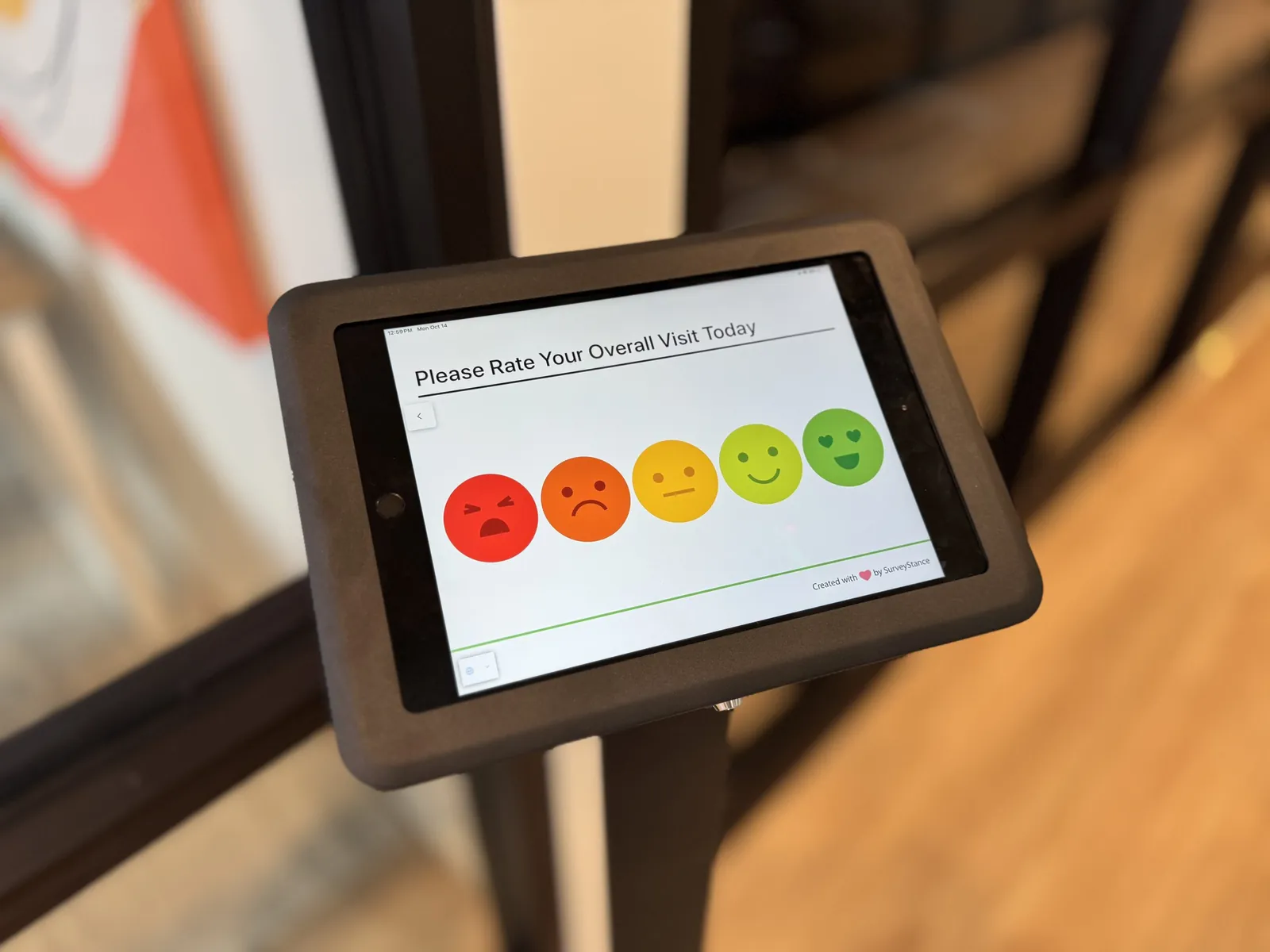
1. Emoji Feedback Terminals: Quick taps reveal sentiment in high-traffic spots like stores & events.
Emoji feedback kiosks are quick and engaging. They allow people to share their feedback with a simple tap. Perfect for busy areas where collecting user feedback would otherwise be difficult.
Portable and interactive these tablet stands allow multi-question surveys.
They balance depth and ease along with 30% higher completion rates than traditional surveys.
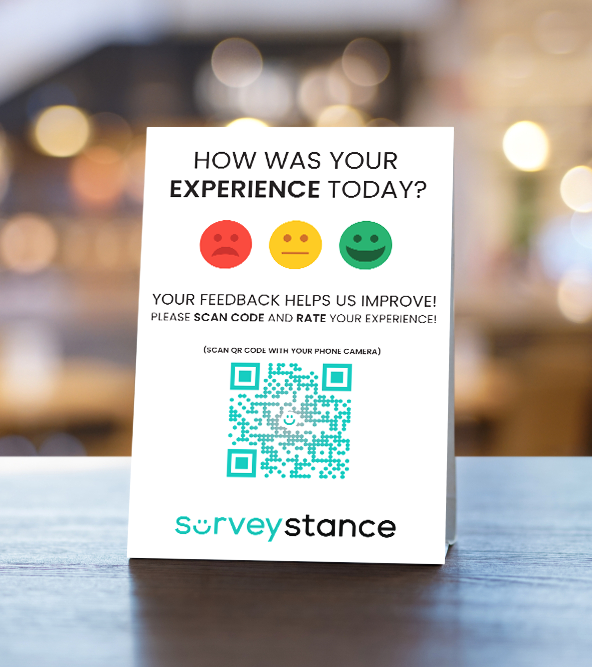
2. QR Code Feedback Signs
A quick scan of a QR code survey allows customers to give feedback right on their own phones. This contactless modern way to gather responses is growing in popularity given it's simple low cost setup that can scale nicely. Companies like McDonalds have been seen using QR Code Surveys in their drive-thru to allow customers to share feedback.
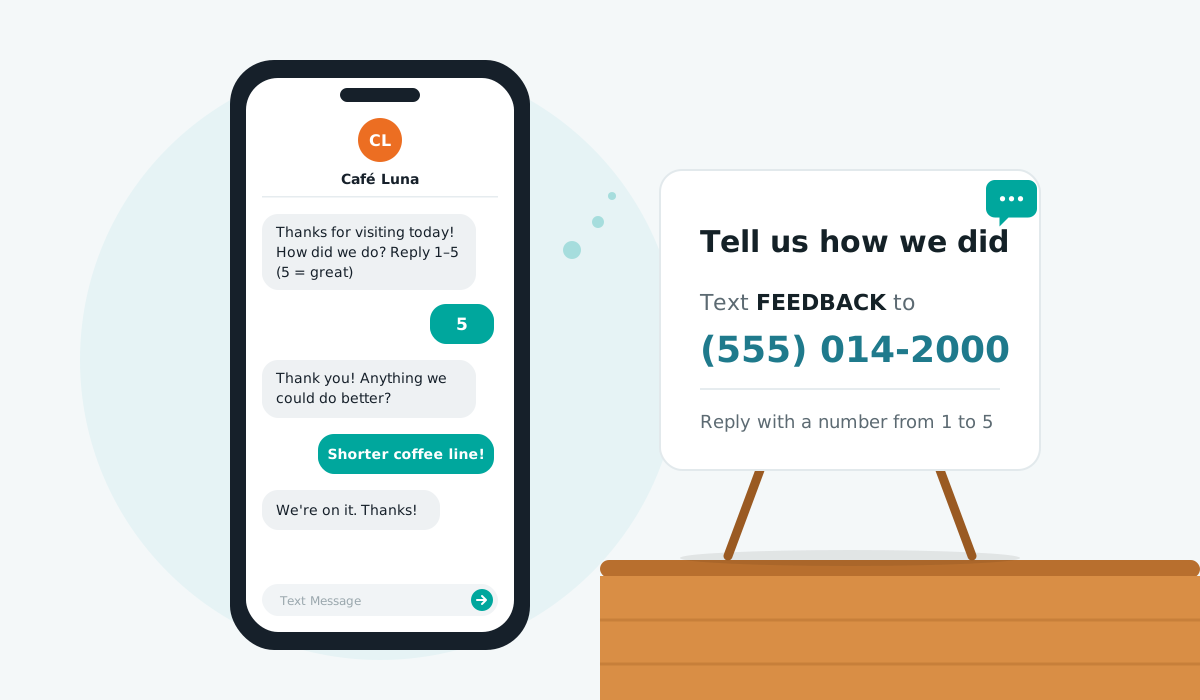
3. SMS/Text Message Feedback
Encouraging people to text their feedback to a dedicated number is another easy and immediate option. It's super convenient and requires no extra hardware beyond a phone. Customer tend to be more comfortable texting their feedback as it's relatable to their daily life.
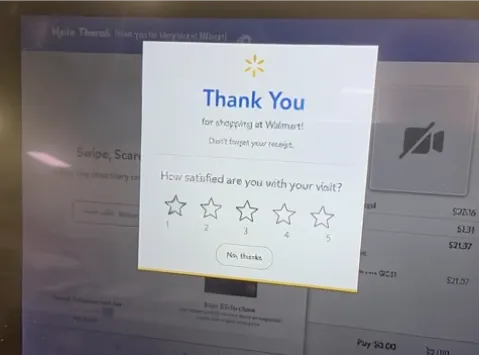
4. Checkout Screen Feedback Surveys
You’ve probably seen those quick “How was your experience?” prompts right on a checkout screen. They’re one of the most effective ways to collect quick customer feedback from nearly every transaction. Retailers like Walmart have been using these customer surveys to capture quick feedback in their self checkout, giving them helpful data directly from their customers.
Using an emoji survey at checkout increase engagement by more than 20%.
5. Comment Boxes (The Old School Classic)
Even in the digital age, there’s something familiar about dropping a quick note in a box. Believe it or not there are still companies using the old school comment cards out in the wild. These are not growing in popularity but still have a place for them in the world.
Hand written comment cards tend to be the most expensive in the long run and has the lowest response rates with the the biggest room for error.

In Person Feedback Collection Tools Breakdown
| Tool | Pros | Cons | Best for |
|---|---|---|---|
| Emoji feedback terminals | Quick, engaging, high response rate | Limited question depth | Retail, events, hotels |
| QR codes | Low-cost, scalable | Requires smartphone | Restaurants, gyms |
| SMS feedback | Convenient, no hardware | Lower response rates | Small businesses |
| Credit card prompts | High reach, transaction-tied | Brief questions only | Retail checkouts |
| Comment boxes | Familiar, low-tech | Expensive, low response | Traditional venues |
Best Practices for In-Person Survey Methods
- Keep it simple People shouldn't need instructions.
- Make it visible Place tools where people naturally pause — entrances, exits, or waiting areas.
- Encourage honesty Make feedback anonymous when possible.
- Show results Display improvements, or thank participants for sharing input.
In-Person Survey Challenges
While in-person feedback methods can yield great results, they come with some trade-offs. Let's review some of the most common challenges associated with collecting in-person feedback.
- Challenge: can't tie feedback to customers Solution: use QR codes linked to CRM systems like HubSpot to track responses without compromising anonymity.
- Challenge: local oversight needed Solution: use cloud-monitored kiosks that alert staff to low battery or issues, reducing manual checks by 50%.
You may not always be able to tie feedback back to a specific customer as easily as with digital methods. On-site tools like kiosks or QR codes do need some local oversight — a team member might need to ensure devices are working or that signage is in place, which adds a bit of logistical effort.
The Best Tool For Quick Feedback?
The best tool for quick feedback in person is hands down the Emoji Feedback Terminals. They offer flexibility in the questions asked, they stand out and attract attention to customers and take the friction out of collecting feedback. Emoji terminals shine here because they’re intuitive to most customers.
With 90% of users completing feedback in under 5 seconds.
Their colorful displays draw attention, unlike static QR codes.
Turning Feedback Into Action
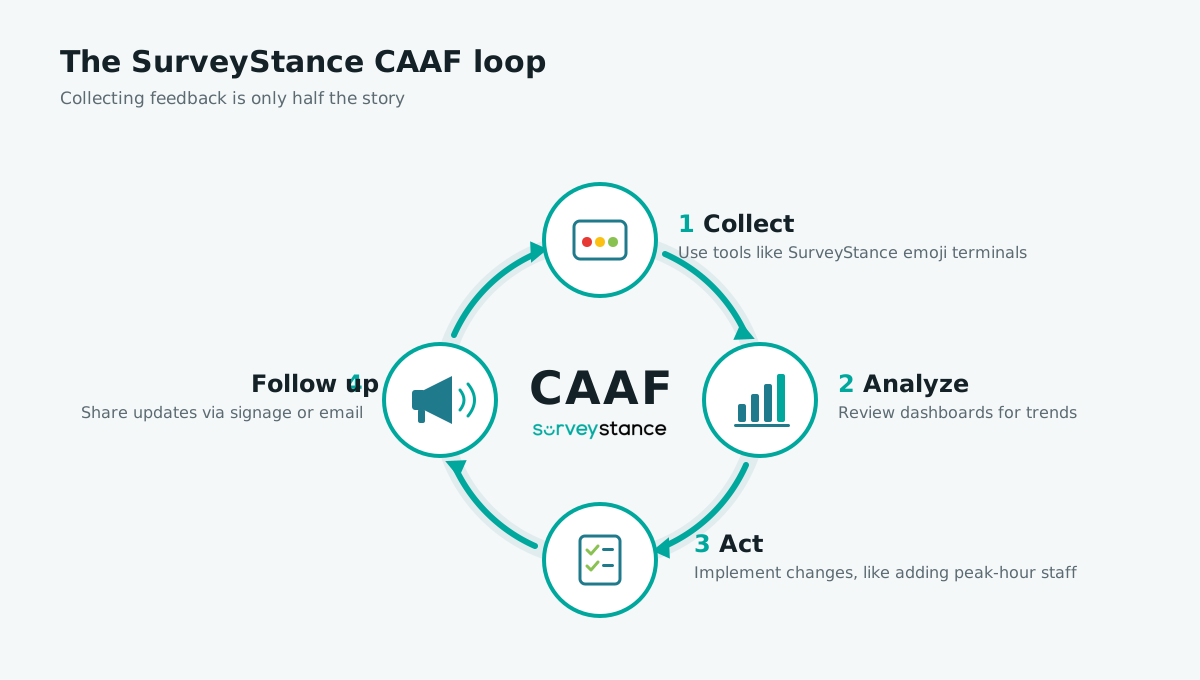
Companies prioritizing feedback see up to 85% revenue growth, but collecting input is only half the story. The real impact comes from analyzing trends and making changes. Regularly reviewing feedback data helps spot recurring themes and address issues before they grow.
Follow the SurveyStance CAAF loop to ensure you're maximizing the outcome of collecting feedback:
- Collect Use tools like SurveyStance emoji terminals.
- Analyze Review dashboards for trends — for example, 60% of customers reporting long wait times.
- Act Implement changes, such as adding staff during peak hours.
- Follow up Share updates via signage or email.
How do I collect feedback in-store effectively?
Place user-friendly tools like emoji feedback terminals or QR code signs at high traffic spots (checkouts, exits). Keep questions short (1 - 3 taps) and offer anonymity.
Use incentives like a 5% discount to boost response rates by up to 25%.
How often should I collect in-person feedback?
Collect feedback daily in venues like retail or events and weekly for smaller businesses to spot trends. Use real time dashboards like SurveyStance to monitor data without overwhelming staff.
How can I increase response rates for in-person feedback?
Make tools visible (QR codes at feedback tables) and simplify input using emoji taps. Offer small rewards like a coffee voucher.
Retailers report a 15 - 20% response rate increase with incentives.
What’s the best in-person feedback tool for small businesses?
QR code signs are ideal for small business on a budget. For under $10/month for most platforms and and require no hardware. Customers scan and respond on their phones in seconds.
Can in-person feedback be anonymous?
Yes, tools like emoji feedback terminals allow anonymity and encourage honest responses. QR codes can be anonymous or linked to loyalty apps for tracked insights.
How do I turn in-person feedback into actionable insights?
Use tools like SurveyStance dashboards to analyze trends. Categorize issues and prioritize fixes. Be sure to share updates via signage to show customers and employees you’re listening.
Wrap Up
If you want a customer feedback tool that simplifies this process, SurveyStance offers emoji feedback terminals and real-time dashboards that turn those quick button taps into meaningful insights.
Ready to turn taps into trends?
Book a demo for SurveyStance's emoji terminals today.
FEEDBACK PROGRAMS
Turn this research into a live feedback program.
Compare kiosk, QR code, email signature, and OneClick feedback options built for faster response and real-time visibility.

Discover how Feedback Kiosks empower customer choice with in person feedback kiosks to boost response rates using a voluntary approach to collecting feedback.
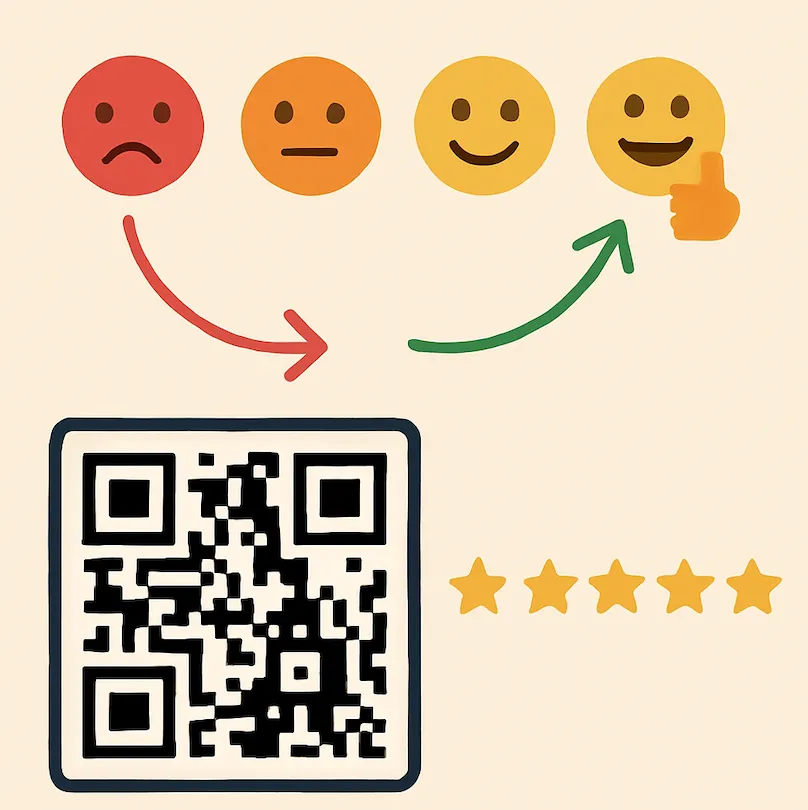
A simple survey trick for increasing online reviews: feedback kiosks and email signature surveys that ask at the right moment and link straight to your review page.
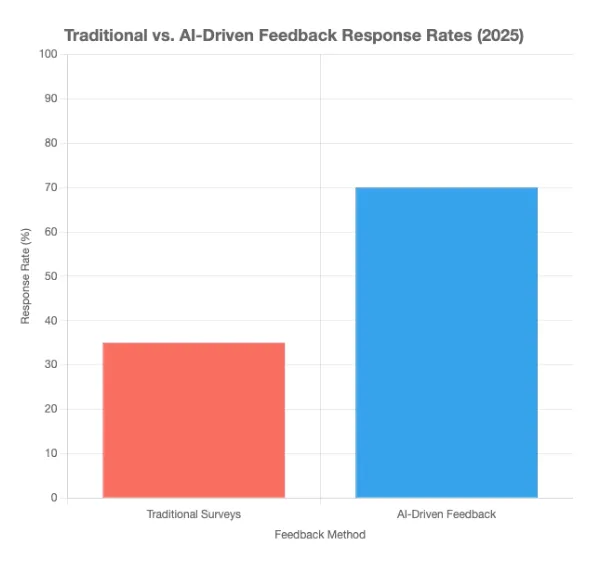
Discover AI employee feedback surveys for real-time insights in 2026. Boost employee engagement with tools like SurveyStance.